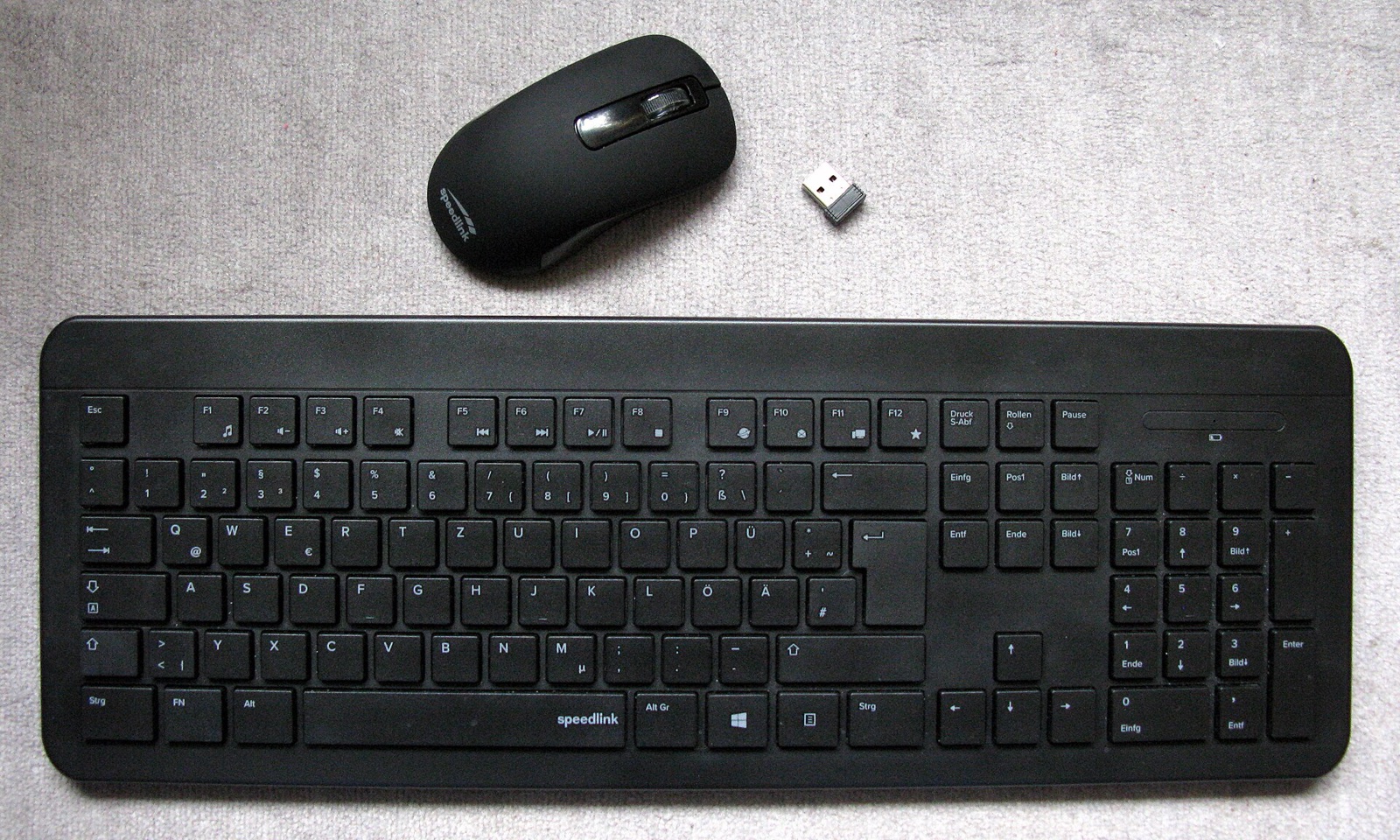
Logitech G305 Lightspeed Wireless Mouse
1 ms 2.4 GHz USB receiver and HERO 12K sensor built for crisp UDP tdv2 cursor crossing across Mac, Windows, and Linux monitors.
On Windows, TwinDesk ships in three distinct editions (for both x64 and ARM64): Standard, zero-install Portable, and Full KVM. Choosing the right edition determines whether your shared mouse and keyboard keep working across UAC elevation prompts, administrator windows, and the Windows login screen.
Switch between Windows Full KVM and Windows Standard to compare verified byte counts and SHA-256 digests.
Windows 10/11 x64 Full KVM edition. Adds a system service so shared mouse and keyboard drive UAC prompts (#210), admin windows, Ctrl+Alt+Del, and pre-login screens.
SHA-256 digest
608a73134814e137a40c072f77fd006826fd3f6ac17442c6030c6cf61547eaa6Install or pairing sequence
Run TwinDesk-FullKVM-Setup-3.2.1.exe -> More info -> Run anyway -> Enable Full KVM service for UAC, Ctrl+Alt+Del & Windows lock screenIn standard user-mode Windows apps, the Secure Desktop isolates UAC dialogs and lock screens from synthetic SendInput events. Full KVM solves that architectural boundary.
| Edition | Install Footprint | Capabilities & Security Boundary | Best Fit |
|---|---|---|---|
Full KVM InstallerTwinDesk-FullKVM-Setup-3.2.1.exe | Installs app + privileged system service | Drives UAC prompts (fixes issue #210), Ctrl+Alt+Del, elevated admin windows, lock screen, and pre-login screen after restart. | Primary headless or secondary Windows PC driven from a Mac or another PC. |
Standard InstallerTwinDesk-Setup-3.2.1.exe | User-space NSIS install + firewall rules | Full virtual display driver, AirPlay receiver, phone call audio, fx2 file sharing, and Wake-on-LAN; pauses on secure desktop UAC prompts. | Laptops where you sit in front of the Windows keyboard when UAC appears. |
Portable ExecutableTwinDesk-Portable-3.2.1.exe | Single 120.17 MB .exe, zero registry install | Mouse/keyboard, clipboard, screens, and files immediately; run as Administrator for firewall rules, SMB shared folders, and Wake-on-LAN (no virtual drivers or call audio). | Work laptops, lab machines, or USB thumb drives without installer privileges. |
When Edge or SmartScreen displays Windows protected your PC on first install, verify the SHA-256 hash with Get-FileHash, then click More info -> Run anyway. Note that if Windows 11 Smart App Control is set to On (Enforce), Windows blocks all unsigned apps without showing Run anyway; disabling Smart App Control in Windows Security -> App & browser control is permanent until a clean Windows reinstall.
During first-run Setup, TwinDesk offers an optional Virtual Display Driver. In v3.2+, you can extend a Mac or PC onto a custom virtual monitor sized anywhere from 320 to 7680 pixels with real Windows multitouch and stylus pressure. Hold Right Ctrl while dragging any window past the monitor edge to move that live window onto your paired Mac or PC.
Generate inbound TCP 47800 and UDP 47801 / 5353 rules or first-launch hash checks for Windows 10 and Windows 11.
# TwinDesk Desk Profile (v3.2.1 Verified)
Host Device:     macOS 13+ (Apple Silicon / Intel)
Paired Peer:     Windows 10/11 Desktop/Laptop
Transport Mode:  Same Wi-Fi (TLS 47800/tcp + Discovery 47801/udp + Rust tdv2 UDP)
Input Protocol:  UDP (tdv2, AES-256-GCM + HKDF-SHA256, 0-alloc Rust tdfast)
File Engine:     fx2 (Parallel HTTPS byte ranges, streamed hash check)
Emergency Home:  Ctrl+Alt+Command+Esc (or Scroll Lock / F14 cursor lock)
macOS Perms:     Screen Recording + Accessibility + Input Monitoring
Memory Usage: ~147 MB resident (0.3% idle tray CPU)# Option A (Recommended): Install ready-to-open via Homebrew tap
brew install --cask inukaasith/twindesk/twindesk
# Option B: Clear Gatekeeper 'damaged / unverified' flag on .dmg install
xattr -dr com.apple.quarantine /Applications/TwinDesk.app
open /Applications/TwinDesk.appHomebrew installs TwinDesk ready to launch, and brew upgrade --cask twindesk reopens it automatically so a headless Mac keeps mouse control.
Tested desk peripherals that pair cleanly with TwinDesk's Rust UDP input lane, wired ADB phone streaming, pen-pressure forwarding, and shared audio routing.
1 ms 2.4 GHz USB receiver and HERO 12K sensor built for crisp UDP tdv2 cursor crossing across Mac, Windows, and Linux monitors.
High-bandwidth shielded USB-C link for wired Android ADB window streaming, tablet second-screen extension, and iPhone-to-Mac pairing.
4,096 pressure levels forwarded through TwinDesk 3.0+ screen viewers into remote macOS and Windows creative applications.
Plug-and-play desktop condenser mic that shares cleanly across paired computers using TwinDesk's two-way Audio & Microphone toggle.
Affiliate disclosure: As an Amazon Associate, twindesk.wiki earns from qualifying purchases at no added cost to you.
Direct answers on UAC disconnects, Windows AirPlay mirroring, and stuck modifier keys.
You are running the Standard or Portable build, which executes in your user session and is blocked by Windows User Account Control's Secure Desktop. Install TwinDesk-FullKVM-Setup-3.2.1.exe (or ARM64 equivalent) and switch on the Full KVM page so the system service bridges input across UAC, admin apps, and lock screens.
Yes. Open the AirPlay & SMB page in TwinDesk on Windows (adapted from UxPlay, GPL-3.0) and toggle the receiver on. Your Windows PC appears inside Control Center -> Screen Mirroring on any iPhone, iPad, or Mac on the same Wi-Fi, streaming video and system audio with zero app required on the Apple device.
If you hold the window-move modifier key (Right Ctrl) while the cursor returns home, press and release Right Ctrl once locally to clear the key-down state, or press Ctrl+Alt+Command+Esc to reset input sharing.