Logitech G305 Lightspeed Wireless Mouse
1 ms 2.4 GHz USB receiver and HERO 12K sensor built for crisp UDP tdv2 cursor crossing across Mac, Windows, and Linux monitors.
Your Android phone as a full 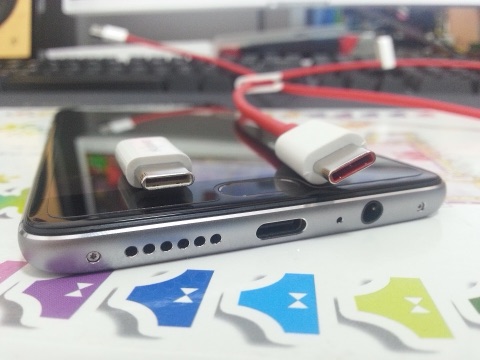 desktop peer: calls, SMS, WhatsApp, single-app windows, and 4K webcam.
Unlike notification-only bridges, TwinDesk treats Android 10+ phones and tablets as first-class peers across macOS, Windows, and Linux. Push your desktop mouse off the monitor edge straight onto the phone, open individual Android apps in native desktop windows, answer cellular calls via Bluetooth headset routing, or use your phone as a 4K webcam and macro Deck.
Verify the exact byte count and SHA-256 checksum of TwinDesk-3.2.1-full.apk (29,031,614 B) before sideloading or pushing from your computer.
Windows 10/11 x64 Full KVM edition. Adds a system service so shared mouse and keyboard drive UAC prompts (#210), admin windows, Ctrl+Alt+Del, and pre-login screens.
SHA-256 digest
608a73134814e137a40c072f77fd006826fd3f6ac17442c6030c6cf61547eaa6Install or pairing sequence
Run TwinDesk-FullKVM-Setup-3.2.1.exe -> More info -> Run anyway -> Enable Full KVM service for UAC, Ctrl+Alt+Del & Windows lock screenPlay Protect blocks browser-downloaded APKs that declare SMS or Notification Listener permissions. TwinDesk splits the build cleanly so setup stays friction-free.
| Android Build | Recommended Install Path | Enabled Capabilities |
|---|---|---|
Standard APKTwinDesk-3.2.1.apk (29,031,326 B) | Installs from Chrome/Firefox on Android with zero Google Play Protect block | Two-way files, clipboard (text + screenshots), Photos albums, Phone Files, 4K Camera/Mic, Second Screen, Remote/Deck/Gamepad, and Wireless Debugging screen/app streaming. |
Full Peer APKTwinDesk-3.2.1-full.apk (29,031,614 B) | Pushed automatically by your paired PC/Mac over Wireless Debugging (or manual sideload + Allow restricted settings) | Everything in Standard plus phone Notification sync (with Reply, action buttons, and 1-time code auto-copy), SMS/WhatsApp/Instagram/Telegram Messages, and Accessibility Limited input. |
Install the Standard APK first, pair Wireless Debugging once (Developer options -> Wireless debugging -> Pair device with pairing code), then click Notifications from the phone on your Mac, Windows, or Linux computer. Your computer installs TwinDesk-3.2.1-full.apk over ADB so Android lets you toggle Notification Access and Accessibility right away.
If you install TwinDesk-3.2.1-full.apk directly by hand on Android 13, 14, or 15, Android greys out Notification Access and Accessibility as a Restricted setting. Open Settings -> Apps -> TwinDesk, tap the top-right three-dot menu, choose Allow restricted settings, authenticate with your fingerprint/PIN, and enable both switches.
On MIUI and HyperOS phones, screen mirroring connects over Wireless Debugging but touch, mouse, and keyboard clicks are refused until a second toggle is flipped: open Developer options, scroll down, and switch on USB debugging (Security settings). TwinDesk also re-enables Wireless Debugging automatically after HyperOS turns it off on screen lock.
Generate step-by-step Wireless Debugging, Restricted Settings, and HyperOS commands paired with macOS, Windows, or Linux.
# TwinDesk Desk Profile (v3.2.1 Verified)
Host Device:     macOS 13+ (Apple Silicon / Intel)
Paired Peer:     Windows 10/11 Desktop/Laptop
Transport Mode:  Same Wi-Fi (TLS 47800/tcp + Discovery 47801/udp + Rust tdv2 UDP)
Input Protocol:  UDP (tdv2, AES-256-GCM + HKDF-SHA256, 0-alloc Rust tdfast)
File Engine:     fx2 (Parallel HTTPS byte ranges, streamed hash check)
Emergency Home:  Ctrl+Alt+Command+Esc (or Scroll Lock / F14 cursor lock)
macOS Perms:     Screen Recording + Accessibility + Input Monitoring
Memory Usage: ~147 MB resident (0.3% idle tray CPU)# Option A (Recommended): Install ready-to-open via Homebrew tap
brew install --cask inukaasith/twindesk/twindesk
# Option B: Clear Gatekeeper 'damaged / unverified' flag on .dmg install
xattr -dr com.apple.quarantine /Applications/TwinDesk.app
open /Applications/TwinDesk.appHomebrew installs TwinDesk ready to launch, and brew upgrade --cask twindesk reopens it automatically so a headless Mac keeps mouse control.
Tested desk peripherals that pair cleanly with TwinDesk's Rust UDP input lane, wired ADB phone streaming, pen-pressure forwarding, and shared audio routing.
1 ms 2.4 GHz USB receiver and HERO 12K sensor built for crisp UDP tdv2 cursor crossing across Mac, Windows, and Linux monitors.
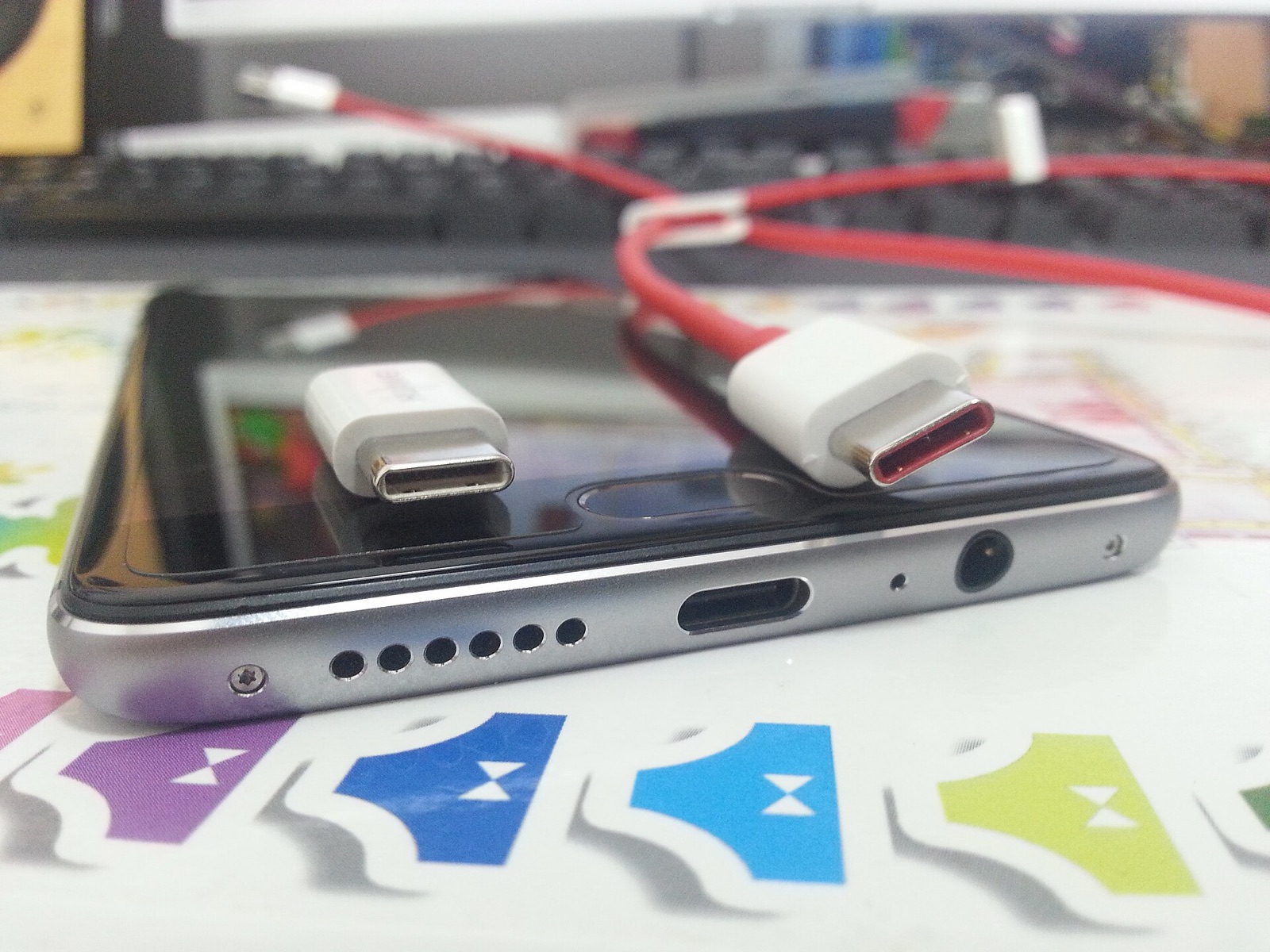
High-bandwidth shielded USB-C link for wired Android ADB window streaming, tablet second-screen extension, and iPhone-to-Mac pairing.
4,096 pressure levels forwarded through TwinDesk 3.0+ screen viewers into remote macOS and Windows creative applications.
Plug-and-play desktop condenser mic that shares cleanly across paired computers using TwinDesk's two-way Audio & Microphone toggle.
Affiliate disclosure: As an Amazon Associate, twindesk.wiki earns from qualifying purchases at no added cost to you.
Verified answers on background clipboard rules, v3.2.1 notification pop-ups, and phone-to-phone pairing.
On Android 10+, background apps cannot read the system clipboard unless they hold input focus or Accessibility/foreground service state. Keep TwinDesk exempted from battery optimization (General -> Background running), use the Quick Settings 'Send clipboard' tile from any Android app, or leave the Clipboard module active in v3.2.1.
Release v3.2.1 adds TwinDesk's own rich notification pop-ups (with inline Reply, app buttons, images, progress bars, per-app Show/No pop-ups/Hide rules, scheduled pause, and automatic OTP code copy), pauses computer music automatically during phone calls, adds album browsing in Photos, and lets screen mirroring skip adbd over Wi-Fi.
Yes. Phone-to-phone mode pairs Android-to-Android, iPhone-to-iPhone, or Android-to-iPhone directly to share clipboards, two-way files, photos, messages, and screens.