Logitech G305 Lightspeed Wireless Mouse
1 ms 2.4 GHz USB receiver and HERO 12K sensor built for crisp UDP tdv2 cursor crossing across Mac, Windows, and Linux monitors.
Starting in v3.0, iPhone and iPad users have two distinct ways into TwinDesk: open http://twindesk.local in Safari for an immediate zero-install PWA (complete with Apple Pencil pressure/tilt and local Web Push), or install the native SwiftUI iOS 16+ app via AltStore, SideStore, or the desktop TwinDesk iPhone signer.
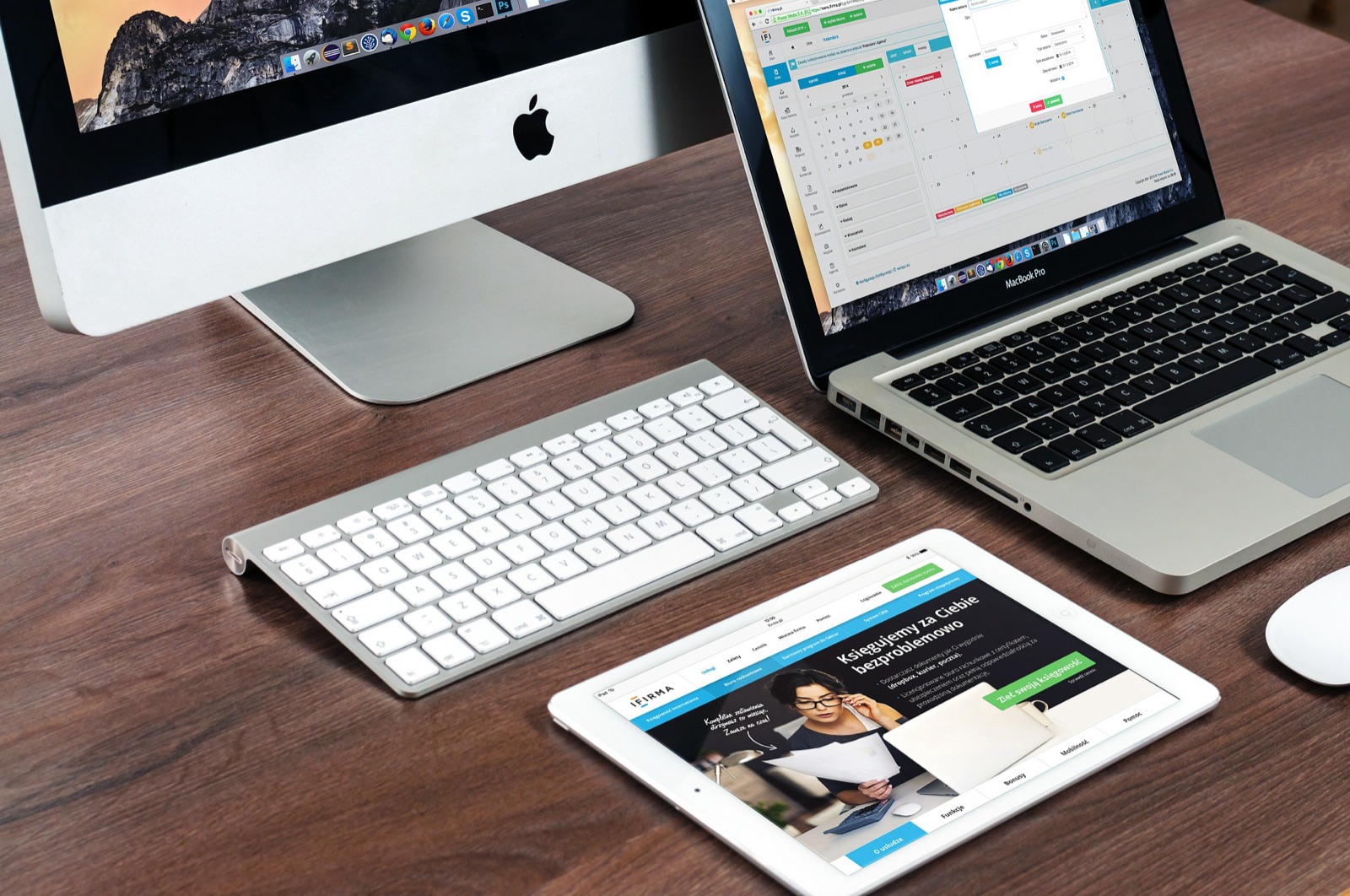
Every TwinDesk desktop hosts the web app locally. Chromebooks, borrowed tablets, and locked work laptops can join through the exact same twindesk.local address.
| Capability | TwinDesk Web (twindesk.local) | Native iPhone & iPad App (iOS 16+) |
|---|---|---|
| Installation | Zero install in Safari; optional Share -> Add to Home Screen | Signed with your own free Apple ID via AltStore, SideStore, or desktop TwinDesk iPhone page |
| Transports supported | Same Wi-Fi / LAN | Same Wi-Fi, USB cable (to a Mac), and automatic background Bluetooth LE handoff |
| Computer screen on iPad / iPhone | Mirror or Extend up to 4K with touch, touchpad mode & Apple Pencil pressure/tilt | Mirror or Extend up to 4K with touch, touchpad mode & Apple Pencil pressure/tilt/eraser |
| iPhone screen on the computer | Built-in Windows / Linux / Mac AirPlay Receiver (with sound) | Native Broadcast Share Screen extension or AirPlay Receiver |
| Files, clipboard, camera & remote | Two-way files, Drop chat pad, clipboard, webcam/mic, Deck, Air mouse & gamepad | Two-way files, iOS Share Sheet, Photos gallery on PC, Shortcuts, Back Tap & Lock Screen media |
| Notifications | Computer alerts delivered via local Web Push (direct from your PC, zero cloud) | Computer alerts in app; iOS sandbox prevents reading third-party iPhone app notifications |
On your Mac, Windows PC, or Linux machine, open TwinDesk Web and flip the switch on. Point your iPhone Camera at the QR code (or type http://twindesk.local in Safari) and enter the pairing code once. Add it to your Home Screen to receive native Web Push alerts straight from your computer.
Open the AirPlay & SMB page on Windows or Linux to turn your PC into an AirPlay target with full audio. Swipe down Control Center on iPhone, tap Screen Mirroring, and select your PC. On the same page, enable SMB to mount your computer folder directly inside Apple's Files -> Connect to Server.
Prefer background Bluetooth LE, iPhone Photos browsing on PC, and iOS Share Sheet actions? Add the upstream AltStore source URL (https://raw.githubusercontent.com/InukaAsith/TwinDesk/main/altstore.json) in AltStore or SideStore, or use the opt-in TwinDesk iPhone page in v3.2+ so your computer signs and refreshes the app every 7 days over Wi-Fi or cable.
Inspect the v3.2.1 iOS release tag details or pick your paired Windows, macOS, or Linux desktop host installer.
Windows 10/11 x64 Full KVM edition. Adds a system service so shared mouse and keyboard drive UAC prompts (#210), admin windows, Ctrl+Alt+Del, and pre-login screens.
SHA-256 digest
608a73134814e137a40c072f77fd006826fd3f6ac17442c6030c6cf61547eaa6Install or pairing sequence
Run TwinDesk-FullKVM-Setup-3.2.1.exe -> More info -> Run anyway -> Enable Full KVM service for UAC, Ctrl+Alt+Del & Windows lock screenGenerate step-by-step pairing instructions for iPhone, iPad, AirPlay mirroring, and cross-network Tailscale links.
# TwinDesk Desk Profile (v3.2.1 Verified)
Host Device:     macOS 13+ (Apple Silicon / Intel)
Paired Peer:     Windows 10/11 Desktop/Laptop
Transport Mode:  Same Wi-Fi (TLS 47800/tcp + Discovery 47801/udp + Rust tdv2 UDP)
Input Protocol:  UDP (tdv2, AES-256-GCM + HKDF-SHA256, 0-alloc Rust tdfast)
File Engine:     fx2 (Parallel HTTPS byte ranges, streamed hash check)
Emergency Home:  Ctrl+Alt+Command+Esc (or Scroll Lock / F14 cursor lock)
macOS Perms:     Screen Recording + Accessibility + Input Monitoring
Memory Usage: ~147 MB resident (0.3% idle tray CPU)# Option A (Recommended): Install ready-to-open via Homebrew tap
brew install --cask inukaasith/twindesk/twindesk
# Option B: Clear Gatekeeper 'damaged / unverified' flag on .dmg install
xattr -dr com.apple.quarantine /Applications/TwinDesk.app
open /Applications/TwinDesk.appHomebrew installs TwinDesk ready to launch, and brew upgrade --cask twindesk reopens it automatically so a headless Mac keeps mouse control.
Tested desk peripherals that pair cleanly with TwinDesk's Rust UDP input lane, wired ADB phone streaming, pen-pressure forwarding, and shared audio routing.
1 ms 2.4 GHz USB receiver and HERO 12K sensor built for crisp UDP tdv2 cursor crossing across Mac, Windows, and Linux monitors.
High-bandwidth shielded USB-C link for wired Android ADB window streaming, tablet second-screen extension, and iPhone-to-Mac pairing.
4,096 pressure levels forwarded through TwinDesk 3.0+ screen viewers into remote macOS and Windows creative applications.
Plug-and-play desktop condenser mic that shares cleanly across paired computers using TwinDesk's two-way Audio & Microphone toggle.
Affiliate disclosure: As an Amazon Associate, twindesk.wiki earns from qualifying purchases at no added cost to you.
Clear explanations of iOS sandbox boundaries, mDNS troubleshooting, and Apple Pencil Windows Ink support.
Apple's iOS and iPadOS app sandbox forbids non-system apps from reading other apps' notifications, SMS messages, or cellular call audio, and blocks external cursor injection onto the iPhone screen. Everything Apple's public APIs permit (Share Screen, AirPlay + audio, two-way files, clipboard, Photos gallery, Camera/Mic webcam, Apple Pencil extended display, Shortcuts, and Deck) works across Mac, Windows, and Linux.
Guest Wi-Fi networks with AP client isolation often drop multicast mDNS (UDP port 5353). Either enter the host computer's local IP:port shown on the TwinDesk Web page directly in Safari, connect over a phone hotspot, or enable Tailscale on both devices.
Yes. Both TwinDesk Web in iPad Safari and the native iPadOS app forward Apple Pencil pressure, tilt, and eraser events into Windows (as real Windows Ink pen input) and macOS screen viewers.