Logitech G305 Lightspeed Wireless Mouse
1 ms 2.4 GHz USB receiver and HERO 12K sensor built for crisp UDP tdv2 cursor crossing across Mac, Windows, and Linux monitors.
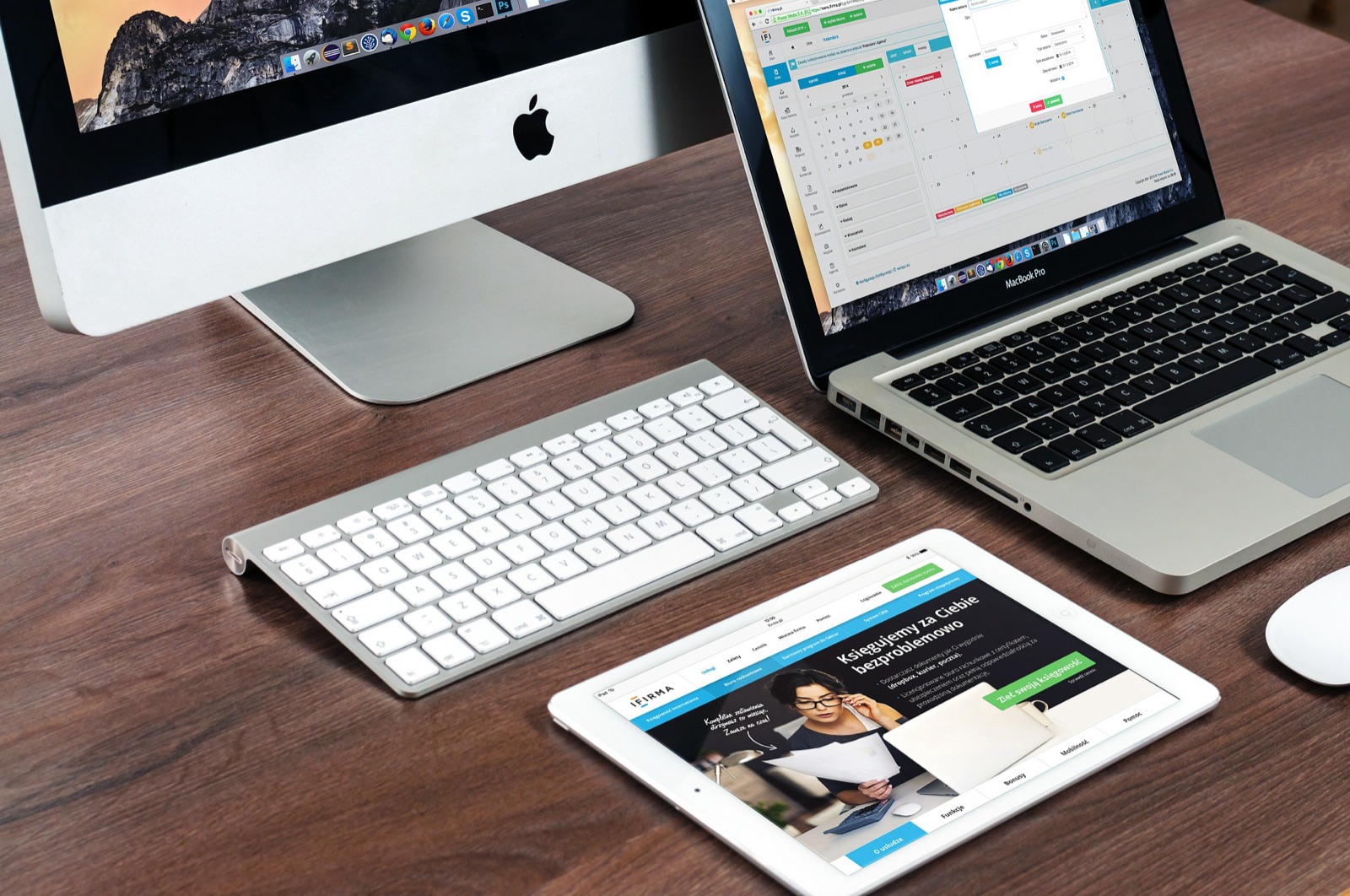
One 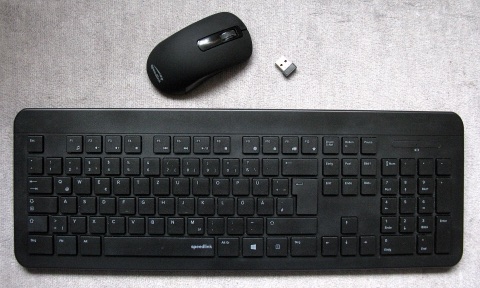 mouse and keyboard across Mac, Windows, Linux, Android, and iPhone with zero cloud relay.
Licensed under GNU GPL v3.0 (InukaAsith/TwinDesk), TwinDesk links computers, tablets, phones, and browsers directly over Wi-Fi, USB, Bluetooth LE, Wi-Fi Direct, or Tailscale using an encrypted Rust UDP input lane (tdv2) and parallel file engine (fx2).
Inspect verified v3.2.1 package sizes, 64-character SHA-256 checksums, and first-launch commands across Windows Full KVM, macOS, Linux, Android, and iPhone Web.
Windows 10/11 x64 Full KVM edition. Adds a system service so shared mouse and keyboard drive UAC prompts (#210), admin windows, Ctrl+Alt+Del, and pre-login screens.
SHA-256 digest
608a73134814e137a40c072f77fd006826fd3f6ac17442c6030c6cf61547eaa6Install or pairing sequence
Run TwinDesk-FullKVM-Setup-3.2.1.exe -> More info -> Run anyway -> Enable Full KVM service for UAC, Ctrl+Alt+Del & Windows lock screenMouse movement never touches JavaScript: OS input hooks pass directly into native Swift, C#, or C helpers linked with native/tdfast in Rust.
| Subsystem | Legacy TCP / Cloud Tools | TwinDesk Native Engine | Verified Wire Behavior |
|---|---|---|---|
| Pointer & key transport | Single TLS-over-TCP socket (20-300 ms Wi-Fi stalls) | Rust tdv2 UDP lane (native/tdfast) | Zero heap allocations per move; running-total X/Y + +8 ms / +24 ms tail resends |
| File & folder sync | Chunked main-thread stream or cloud upload | fx2 utility process + TwinDesk Drive | Parallel HTTPS byte ranges, inline SHA verification; 10,000 small files in under 48 s |
| Screen & app streaming | Full remote desktop session only | Hardware H.264 / H.265 WebRTC up to 4K | Extended virtual displays (320-7680 px), per-app windows, Apple Pencil & Wacom tilt/pressure |
| Idle power & memory | 1 Hz keepalive polling & ~1 GB Electron tabs | Event-driven links + 30 s helper window close | ~147 MB resident on macOS, ~0.3% tray CPU, 0% helper idle CPU; laptops & phones sleep normally |
Every module starts switched off and unrequired in memory until you turn it on from the sidebar or Cmd+K / Ctrl+K search.
Out of beta in v3.2, TwinDesk Mesh places every monitor of your PC, MacBook, Linux box, and Android phone on one unified map. Hold an optional modifier key (Command, Ctrl, Alt, or Shift) before crossing edges, or hit Ctrl+Alt+Command+Esc to pull mouse and keyboard home immediately.
Turn an iPhone, Android phone, or browser into a live macro Deck with volume/brightness sliders, script triggers, and one-tap desktop window layouts, plus a gyroscopic air mouse with presentation laser. TwinDesk Drive keeps a local folder synchronized offline across computers with conflict-safe dual copies.
On an iPhone or borrowed iPad, open http://twindesk.local in Safari for zero-install screen extension and server-free Web Push alerts, or mirror iOS with sound to Windows and Linux via the built-in AirPlay receiver. ReZume hands active browser tabs, video timestamps, and live WebDAV documents across devices.
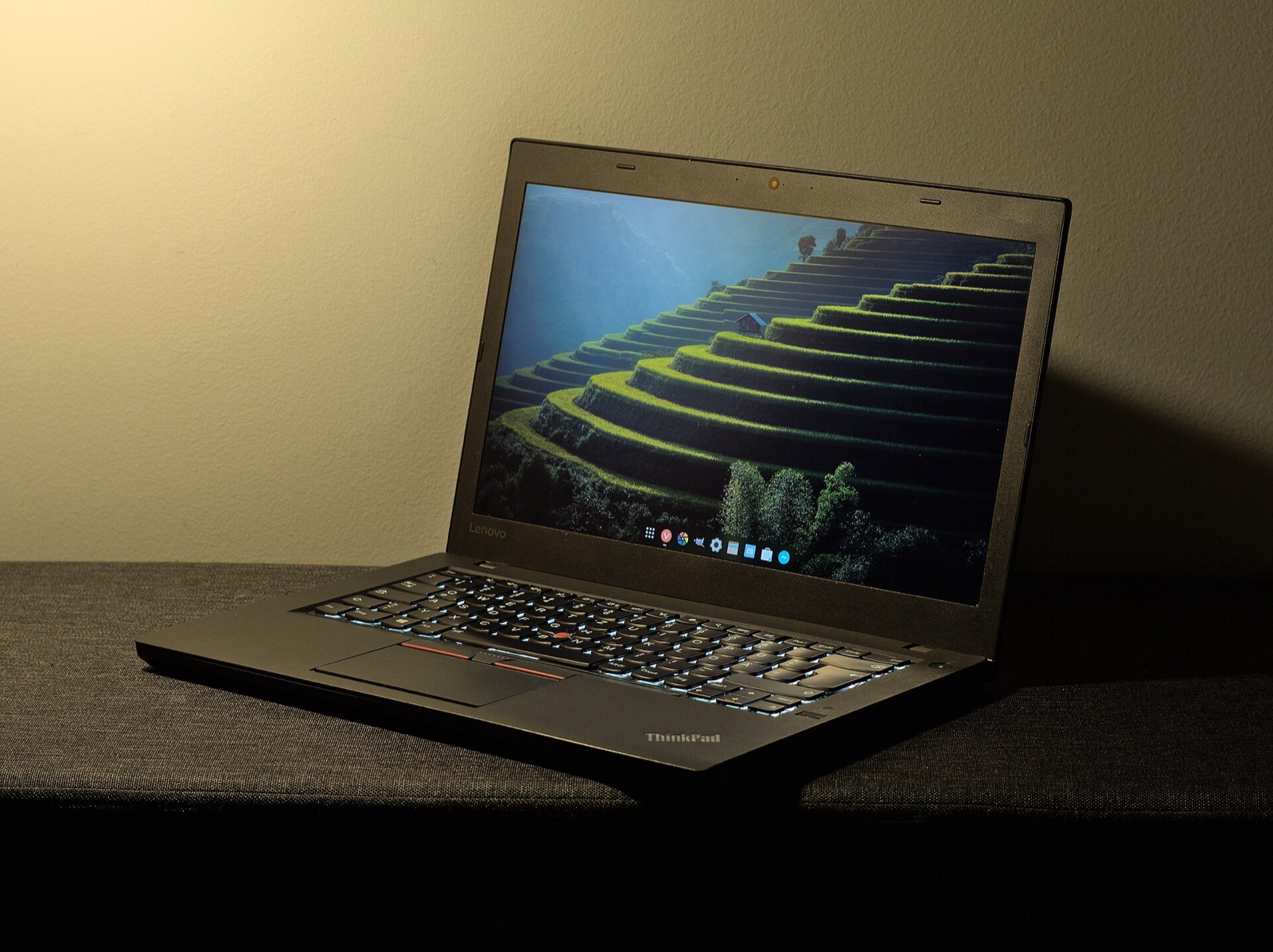
Choose your host operating system, peer device, network link, and setup goal to generate copy-ready Terminal, PowerShell, and pairing steps.
# TwinDesk Desk Profile (v3.2.1 Verified)
Host Device:     macOS 13+ (Apple Silicon / Intel)
Paired Peer:     Windows 10/11 Desktop/Laptop
Transport Mode:  Same Wi-Fi (TLS 47800/tcp + Discovery 47801/udp + Rust tdv2 UDP)
Input Protocol:  UDP (tdv2, AES-256-GCM + HKDF-SHA256, 0-alloc Rust tdfast)
File Engine:     fx2 (Parallel HTTPS byte ranges, streamed hash check)
Emergency Home:  Ctrl+Alt+Command+Esc (or Scroll Lock / F14 cursor lock)
macOS Perms:     Screen Recording + Accessibility + Input Monitoring
Memory Usage: ~147 MB resident (0.3% idle tray CPU)# Option A (Recommended): Install ready-to-open via Homebrew tap
brew install --cask inukaasith/twindesk/twindesk
# Option B: Clear Gatekeeper 'damaged / unverified' flag on .dmg install
xattr -dr com.apple.quarantine /Applications/TwinDesk.app
open /Applications/TwinDesk.appHomebrew installs TwinDesk ready to launch, and brew upgrade --cask twindesk reopens it automatically so a headless Mac keeps mouse control.
Tested desk peripherals that pair cleanly with TwinDesk's Rust UDP input lane, wired ADB phone streaming, pen-pressure forwarding, and shared audio routing.
1 ms 2.4 GHz USB receiver and HERO 12K sensor built for crisp UDP tdv2 cursor crossing across Mac, Windows, and Linux monitors.
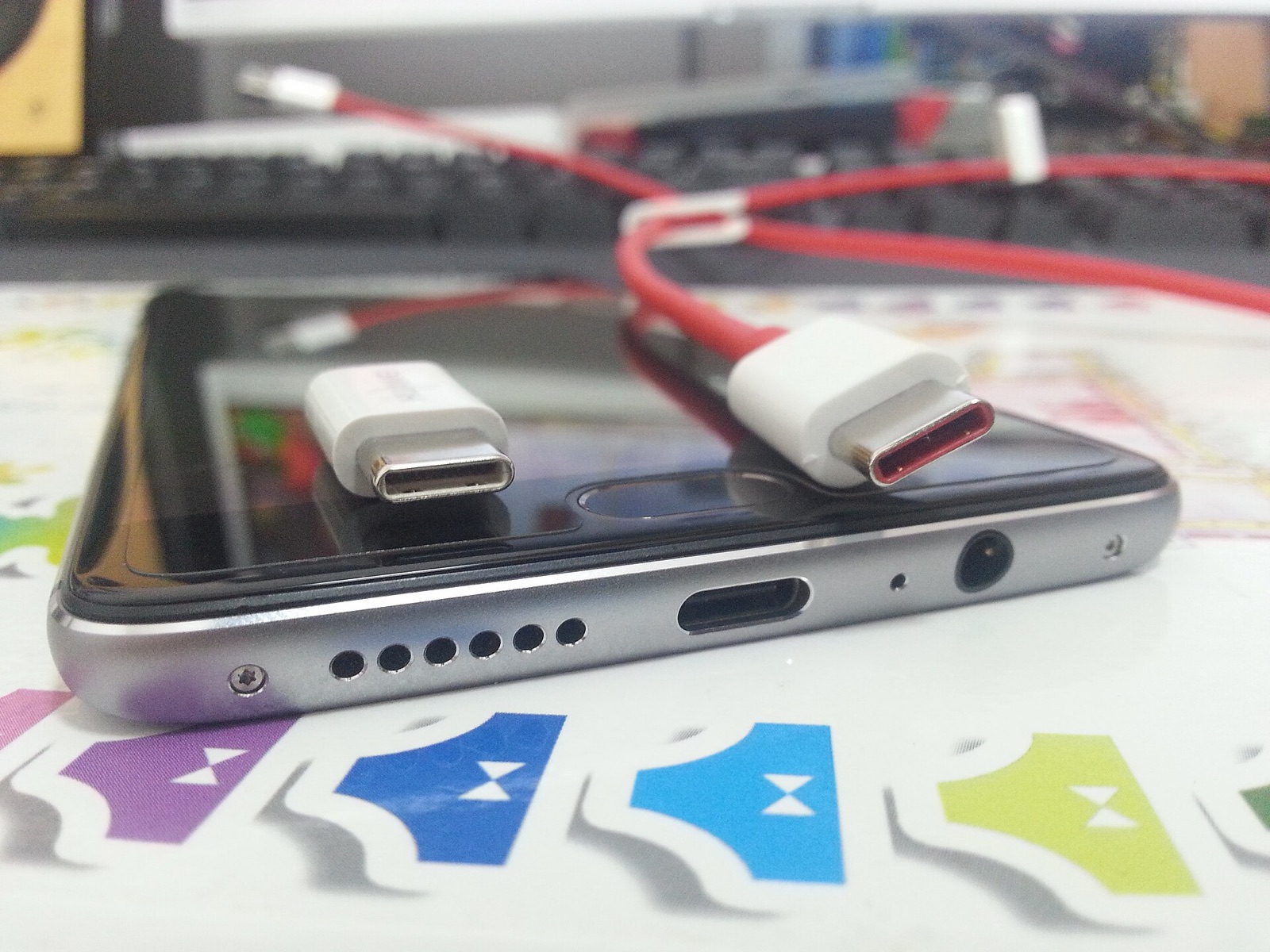
High-bandwidth shielded USB-C link for wired Android ADB window streaming, tablet second-screen extension, and iPhone-to-Mac pairing.
4,096 pressure levels forwarded through TwinDesk 3.0+ screen viewers into remote macOS and Windows creative applications.
Plug-and-play desktop condenser mic that shares cleanly across paired computers using TwinDesk's two-way Audio & Microphone toggle.
Affiliate disclosure: As an Amazon Associate, twindesk.wiki earns from qualifying purchases at no added cost to you.
Verified answers on privacy, Windows Full KVM vs Standard builds, iPhone Web mode, and unsigned binary checks.
No. TwinDesk is free software under the GNU General Public License v3.0 with zero accounts, zero telemetry, and zero cloud relays. Paired devices communicate directly over your local Wi-Fi, USB cable, Bluetooth LE, Wi-Fi Direct, or your own Tailscale tailnet using end-to-end TLS and AES-256-GCM session keys.
Install TwinDesk-FullKVM-Setup-3.2.1.exe (133,601,483 B) on any Windows PC you control remotely: its background service lets the shared mouse and keyboard operate UAC elevation prompts, admin windows, Ctrl+Alt+Del, and the Windows lock or login screen after a reboot. Pick Portable when you lack install rights.
Switch on TwinDesk Web inside the desktop app, then open Safari on your iPhone or iPad on the same Wi-Fi and visit http://twindesk.local. Pairing with the 6-digit code gives you extended or mirrored screens (with Apple Pencil pressure and tilt on iPad), two-way files, clipboard, and trackpad remote; tapping Add to Home Screen enables direct local Web Push notifications.
Because TwinDesk is a free open-source project without a paid Apple Developer ID or commercial EV Windows certificate, macOS and Windows prompt once on first launch. Installing via Homebrew (brew install --cask inukaasith/twindesk/twindesk) or verifying the 64-character SHA-256 digest before clicking Open Anyway / Run anyway confirms you have the unmodified upstream build.