Logitech G305 Lightspeed Wireless Mouse
1 ms 2.4 GHz USB receiver and HERO 12K sensor built for crisp UDP tdv2 cursor crossing across Mac, Windows, and Linux monitors.
TwinDesk supports macOS Ventura (13) and newer on both Apple Silicon (M1 through M4, arm64) and Intel (x64) Macs. A native Swift helper handles event taps, DeskPad-derived virtual displays, Spaces trackpad gestures, and Finder phone mounting while keeping total resident RAM around 147 MB.
Apple Silicon Macs use TwinDesk-3.2.1-arm64.dmg (168,510,590 B); Intel Macs use TwinDesk-3.2.1-x64_Intel.dmg (177,030,636 B).
Windows 10/11 x64 Full KVM edition. Adds a system service so shared mouse and keyboard drive UAC prompts (#210), admin windows, Ctrl+Alt+Del, and pre-login screens.
SHA-256 digest
608a73134814e137a40c072f77fd006826fd3f6ac17442c6030c6cf61547eaa6Install or pairing sequence
Run TwinDesk-FullKVM-Setup-3.2.1.exe -> More info -> Run anyway -> Enable Full KVM service for UAC, Ctrl+Alt+Del & Windows lock screenInstalling from the upstream Homebrew tap skips quarantine flags and restarts TwinDesk automatically after upgrades so a headless Mac Mini or Studio keeps its shared mouse.
brew install --cask inukaasith/twindesk/twindesk

# Later upgrades reopen TwinDesk automatically if it was running:
brew upgrade --cask twindesk
Keep arm64 or x64 intact when installing manually: the built-in updater inspects your current bundle architecture so Apple Silicon Macs stay on native arm64 code rather than Rosetta.
If you drag TwinDesk.app from the .dmg into /Applications and macOS says it cannot verify TwinDesk or claims the app is damaged and cannot be opened, click Done (never Move to Bin) and clear the extended attribute:
xattr -dr com.apple.quarantine /Applications/TwinDesk.app
open /Applications/TwinDesk.app
Alternatively, open System Settings -> Privacy & Security, scroll to Security, and click Open Anyway once.
| macOS Permission | System Settings Path | What It Enables in TwinDesk |
|---|---|---|
| Accessibility | System Settings -> Privacy & Security -> Accessibility | Required so the Swift helper can move the Mac cursor when driven from a PC or phone, and capture edge transitions. |
| Input Monitoring | System Settings -> Privacy & Security -> Input Monitoring | Reads keyboard shortcuts, Scroll Lock / F14 cursor lock, and hold-to-cross modifiers without logging passwords. |
| Screen & System Audio Recording | System Settings -> Privacy & Security -> Screen Recording | Needed only when extending or mirroring your Mac display, streaming single Mac app windows, or sharing Mac system sound. |
| Apple Events (Automation) | Prompted once per browser only if ReZume is switched on | Reads the active Safari or Chromium tab URL when you click Continue on another device; untouched while ReZume stays off. |
Select your paired Windows, Linux, Android, or iPhone device to generate the exact macOS setup and firewall commands.
# TwinDesk Desk Profile (v3.2.1 Verified)
Host Device:     macOS 13+ (Apple Silicon / Intel)
Paired Peer:     Windows 10/11 Desktop/Laptop
Transport Mode:  Same Wi-Fi (TLS 47800/tcp + Discovery 47801/udp + Rust tdv2 UDP)
Input Protocol:  UDP (tdv2, AES-256-GCM + HKDF-SHA256, 0-alloc Rust tdfast)
File Engine:     fx2 (Parallel HTTPS byte ranges, streamed hash check)
Emergency Home:  Ctrl+Alt+Command+Esc (or Scroll Lock / F14 cursor lock)
macOS Perms:     Screen Recording + Accessibility + Input Monitoring
Memory Usage: ~147 MB resident (0.3% idle tray CPU)# Option A (Recommended): Install ready-to-open via Homebrew tap
brew install --cask inukaasith/twindesk/twindesk
# Option B: Clear Gatekeeper 'damaged / unverified' flag on .dmg install
xattr -dr com.apple.quarantine /Applications/TwinDesk.app
open /Applications/TwinDesk.appHomebrew installs TwinDesk ready to launch, and brew upgrade --cask twindesk reopens it automatically so a headless Mac keeps mouse control.
Tested desk peripherals that pair cleanly with TwinDesk's Rust UDP input lane, wired ADB phone streaming, pen-pressure forwarding, and shared audio routing.
1 ms 2.4 GHz USB receiver and HERO 12K sensor built for crisp UDP tdv2 cursor crossing across Mac, Windows, and Linux monitors.
High-bandwidth shielded USB-C link for wired Android ADB window streaming, tablet second-screen extension, and iPhone-to-Mac pairing.
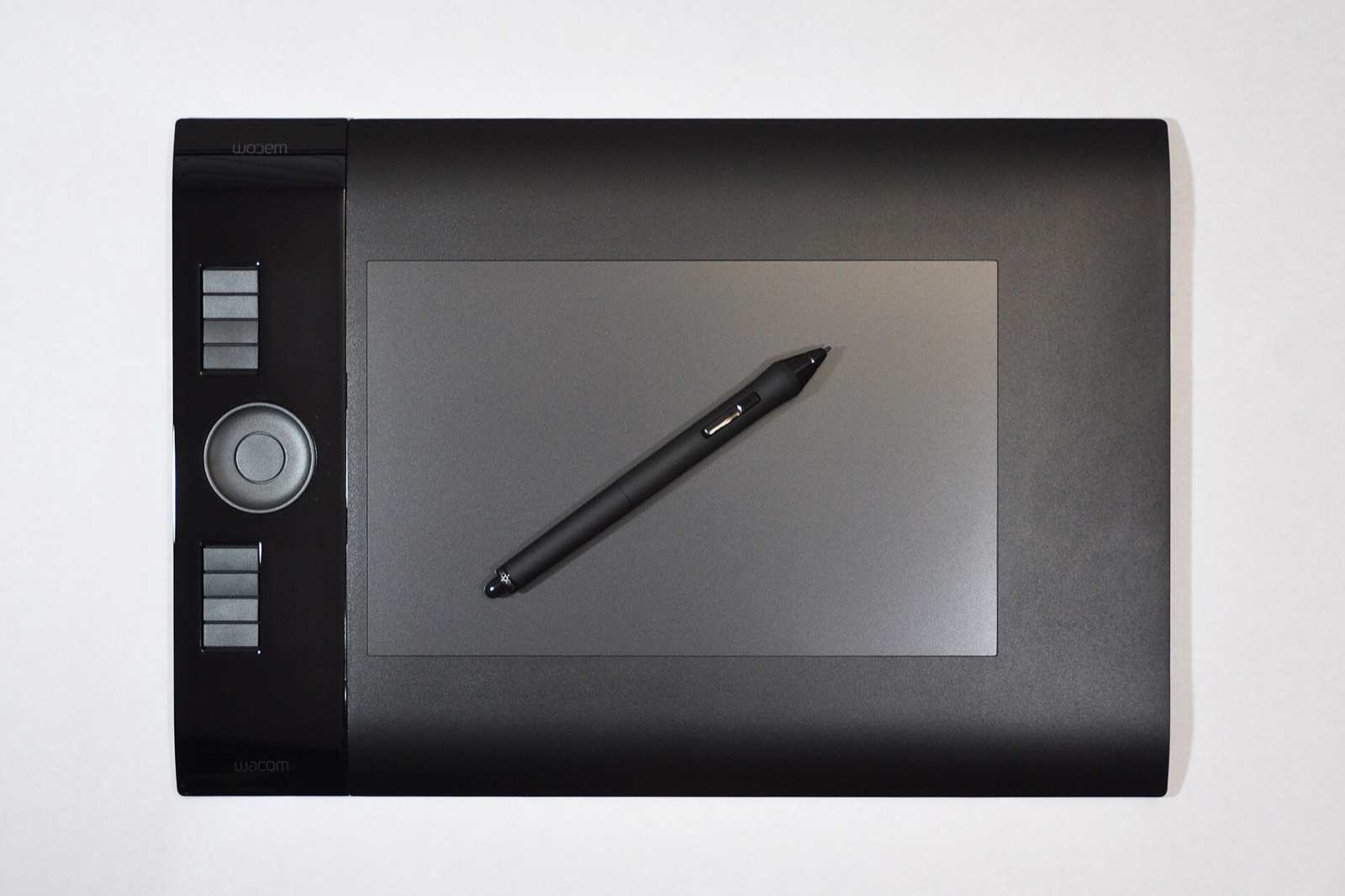
4,096 pressure levels forwarded through TwinDesk 3.0+ screen viewers into remote macOS and Windows creative applications.
Plug-and-play desktop condenser mic that shares cleanly across paired computers using TwinDesk's two-way Audio & Microphone toggle.
Affiliate disclosure: As an Amazon Associate, twindesk.wiki earns from qualifying purchases at no added cost to you.
Verified answers on Universal Clipboard interactions, Finder phone mounts, and Mac-to-Mac hotkeys.
When both Apple Handoff/Universal Clipboard and TwinDesk Clipboard monitor pasteboard changes between Apple devices, macOS may wait on Continuity Wi-Fi handshakes. Keep TwinDesk Clipboard enabled for Windows/Linux/Android peers, or disable Handoff pasteboard if TwinDesk manages all your devices.
Pair your Android phone with TwinDesk on your Mac, open the phone's Mount page in the TwinDesk sidebar, switch it on, and click Mount. Your phone's storage appears under Finder -> Locations like a standard network volume.
On controlled Macs, macOS system-level input-source shortcuts (Ctrl+Space and Ctrl+Option+Space) can intercept keystrokes before remote apps receive them. Rebinding Spotlight or Input Source switching on the controlled Mac avoids shortcut swallowing.